What is PromptCombo(4 min)
See what Prompt Combo is and how it fits into your workflow.
An AI coding work queue that runs your instructions across 50 files
without prompting each file by hand.
Easier than scripts, more controllable than autonomous agent.
brew install fxpoet/tap/prompt-combo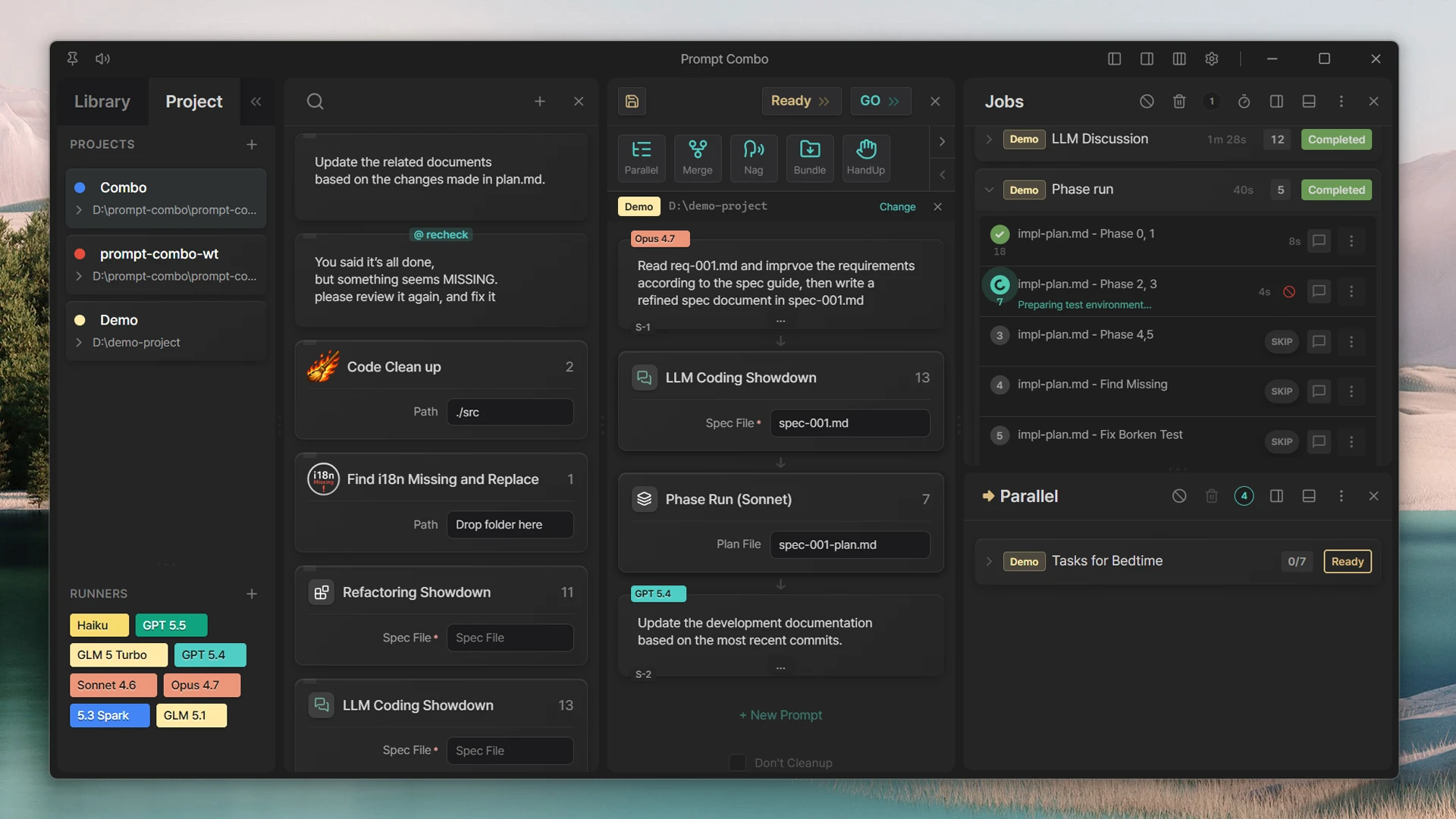
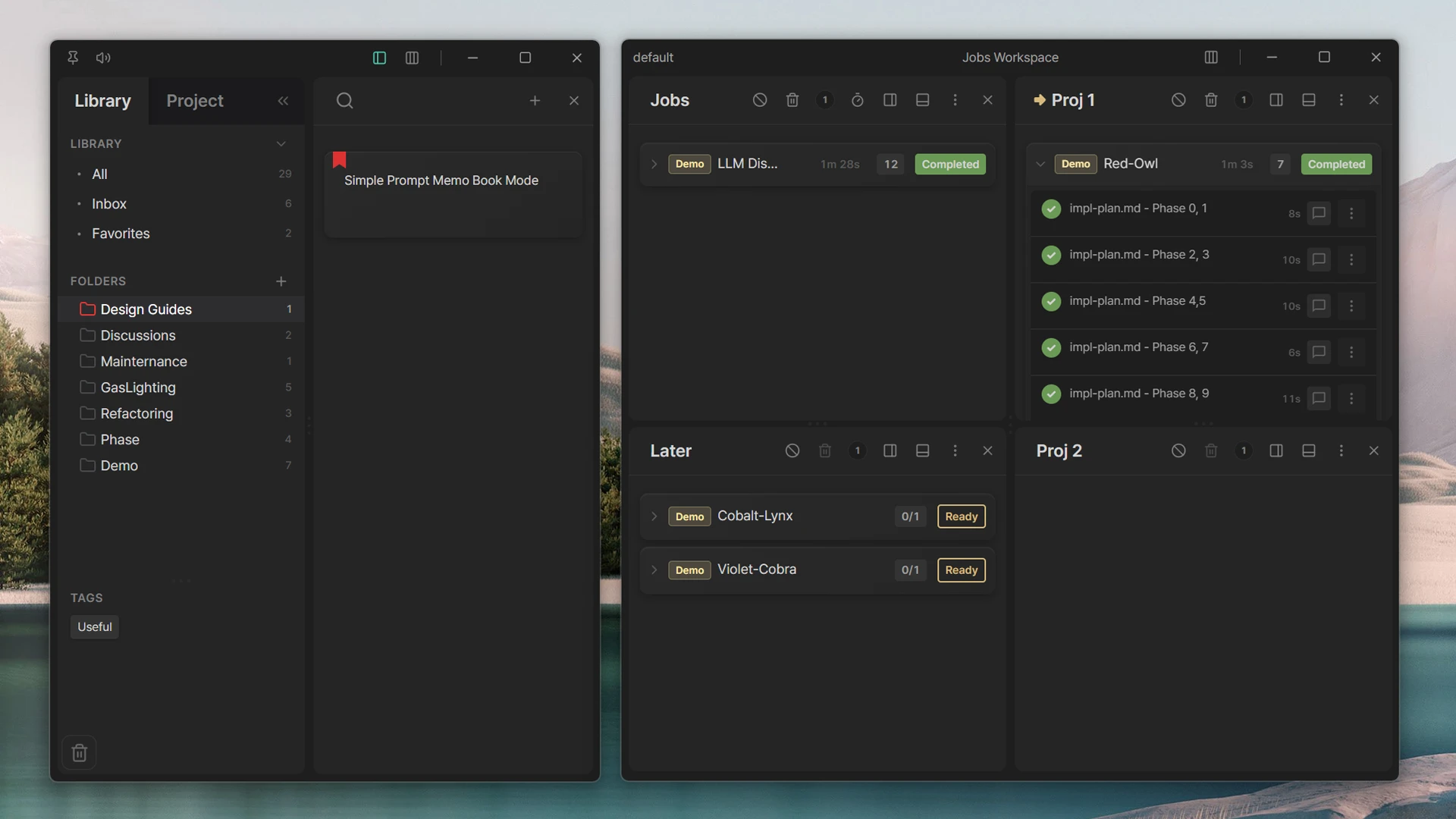
If four or more feel familiar, Prompt Combo likely fits your workflow.
“I had to review 50 components with the same AI checklist. PromptCombo turned it into a queue.”
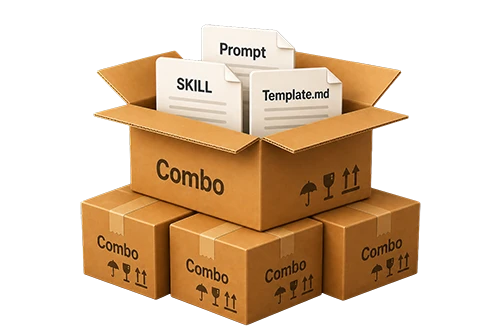
Save prompts as templates and launch them with one drag. Share full workflows across teams as combo files.

Two agents review each other’s plans and debate them to reduce bad designs. Let the AI agents handle the technical discussion.
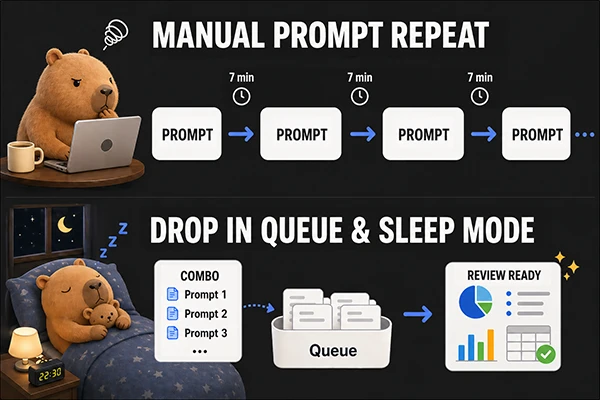
Set a 4-hour job before bed
and spend the morning reviewing and planning.
See what Prompt Combo is and how it fits into your workflow.
Watch how two agents validate and refine a plan together.
Queued six prompts before bed and woke up with everything already done. The terminal logs make the whole run feel inspectable, not magical.
Cross Validation is the killer feature. Claude and GPT review each other so my manual review window is much smaller.
Once you launch prompts by drag and drop, it is hard to go back to typing everything manually.
When OpenAI had an outage, I switched straight to Claude with HotSwap. That continuity matters more than I expected.
Now I just queue the work before I log off. I come back, inspect the logs, and merge.
No signup and local API key storage means the security conversation is much easier.
These were written by bots as examples. Nobody has posted about it yet, so please share your review.
Prompt Combo is a local-first desktop app that lets AI users queue reusable prompts, run multi-agent workflows, and review terminal-grade execution logs.
It is currently aimed at developers who build software with tools such as Claude Code and Codex.
Yes. You can download and use Prompt Combo for free. Additional paid features are also available.
Prompt Combo uses a BYOK (Bring Your Own Key) model with locally installed tools such as Claude Code or Codex. It uses your own API key or subscription plan, so Prompt Combo does not add a separate usage-based charge.
All API keys are stored on your computer. They are not sent to any external server except for the intended API calls, and all data remains on your machine.
Your data and prompts are not exported outside your local machine. The implicit external traffic currently used by the app is: - GitHub repository checks for new version detection - Sentry telemetry for app error detection (prompt contents are masked) We do not operate a server for collecting user data, and we do not want to create legal risk for ourselves.
To add credibility, Prompt Combo uses the LemonSqueezy payment system. Becoming a LemonSqueezy seller requires identity verification as well as bank verification. That means the software is distributed by a verified developer, so there is no reason to risk illegal activity while the developer identity is known.
Skill.md is generally designed to run within one session of one LLM model. Prompt Combo is not tied to a specific model or service provider, and workflows can continue across multiple sessions. You can still use Skill.md inside Prompt Combo. See the Prompt Combo introduction video: https://youtu.be/5ikJmHx0md0